How to Add Animated Subtitle Effects to Jekyll Chirpy Theme
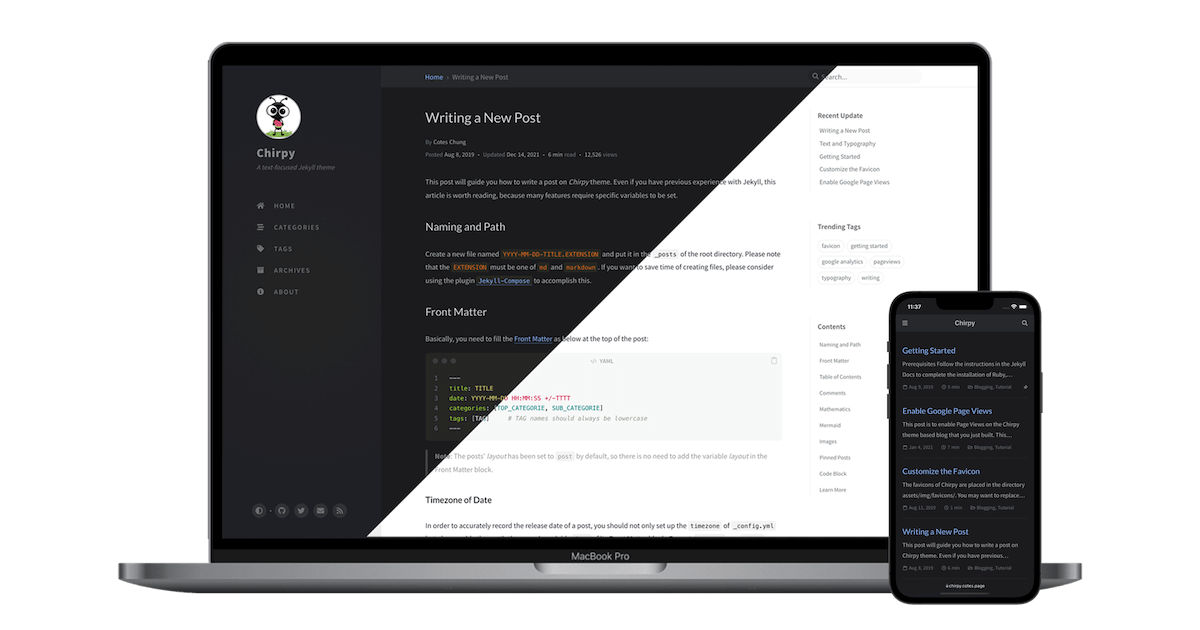
This guide shows how to add animated subtitle effects to your Jekyll Chirpy theme sidebar — with a typewriter and decode effect built in, and an extensible registry pattern that makes adding new effects easy. No external libraries required.
How It Works
The integration uses three files working together:
| File | Role |
|---|---|
_config.yml |
Defines which effect to use, the phrases, and speed options |
_includes/metadata-hook.html |
Passes config to the browser and loads the JS |
assets/js/subtitle-effect.js |
Registry of effects — reads config and animates .site-subtitle
|
The data flow:
1

_config.yml → metadata-hook.html (jsonify) → window.subtitleEffectConfig → JS reads config → animates .site-subtitle
Pages without subtitle_effect: in the config load zero additional JS.
Step 1 — Configure the Effect
Add this block to your _config.yml:
1
2
3
4
5
6
7
8
9
10
11
12
13
14
15
16
17

# Sidebar subtitle animation (replaces the static tagline visually)
# Supported types: typewriter (typing effect) | decode (scramble/decrypt effect)
# To disable: comment out the entire subtitle_effect block
subtitle_effect:
  type: decode # choose: typewriter | decode
  strings: # phrases to cycle through
    - "AI Engineer based in Singapore"
    - "Building AI that Ships"
    - "Turning Ideas into Products"
  # Shared options
  backDelay: 2000 # ms — pause before switching to next phrase
  startDelay: 500 # ms — delay before animation starts
  # Typewriter-only options
  typeSpeed: 80 # ms — speed per character typed
  backSpeed: 40 # ms — speed per character deleted
  # Decode-only options
  decodeSpeed: 50 # ms — speed per scramble frame
The tagline: setting in _config.yml still works as a fallback — it shows before JS loads and when JS is disabled.
Config Options Reference
| Option | Applies to | Default | Description |
|---|---|---|---|
type |
Both | typewriter |
Effect type: typewriter or decode
|
strings |
Both | — | Array of phrases to cycle through |
backDelay |
Both | 2000 |
Pause (ms) before switching to the next phrase |
startDelay |
Both | 500 |
Delay (ms) before animation starts |
typeSpeed |
Typewriter | 80 |
Speed (ms) per character typed |
backSpeed |
Typewriter | 40 |
Speed (ms) per character deleted |
decodeSpeed |
Decode | 50 |
Speed (ms) per scramble frame |
Step 2 — Edit the Metadata Hook
Add the following to _includes/metadata-hook.html:
1
2
3
4
5
6

{% if site.subtitle_effect %}
<script>
  window.subtitleEffectConfig = {{ site.subtitle_effect | jsonify }};
</script>
<script src="/assets/js/subtitle-effect.js" defer></script>
{% endif %}
This does two things:
- Converts the YAML config into a JavaScript object on
window.subtitleEffectConfig - Loads the effect script (deferred, so it won’t block page rendering)
Step 3 — Create the Effect Script
Create assets/js/subtitle-effect.js:
1
2
3
4
5
6
7
8
9
10
11
12
13
14
15
16
17
18
19
20
21
22
23
24
25
26
27
28
29
30
31
32
33
34
35
36
37
38
39
40
41
42
43
44
45
46
47
48
49
50
51
52
53
54
55
56
57
58
59
60
61
62
63
64
65
66
67
68
69
70
71
72
73
74
75
76
77
78
79
80
81
82
83
84
85
86
87
88
89
90
91
92
93
94
95
96
97
98
99
100
101
102
103
104
105
106
107
108
109
110
111

(function () {
  var config = window.subtitleEffectConfig;
  if (!config || !config.strings) return;

  var el = document.querySelector(".site-subtitle");
  if (!el) return;

  // --- Effect Registry ---
  // To add a new effect: add a function here, then use type: youreffect in _config.yml
  var effects = {
    typewriter: function (el, config) {
      var strings = config.strings;
      var typeSpeed = config.typeSpeed || 80;
      var backSpeed = config.backSpeed || 40;
      var backDelay = config.backDelay || 2000;
      var startDelay = config.startDelay || 500;

      var textEl = document.createElement("span");
      var cursor = document.createElement("span");
      cursor.className = "subtitle-cursor";
      cursor.textContent = "|";
      el.textContent = "";
      el.appendChild(textEl);
      el.appendChild(cursor);

      var stringIndex = 0;
      var charIndex = 0;
      var isDeleting = false;

      function tick() {
        var current = strings[stringIndex];

        if (isDeleting) {
          charIndex--;
          textEl.textContent = current.substring(0, charIndex);
          if (charIndex === 0) {
            isDeleting = false;
            stringIndex = (stringIndex + 1) % strings.length;
            setTimeout(tick, startDelay);
          } else {
            setTimeout(tick, backSpeed);
          }
        } else {
          charIndex++;
          textEl.textContent = current.substring(0, charIndex);
          if (charIndex === current.length) {
            isDeleting = true;
            setTimeout(tick, backDelay);
          } else {
            setTimeout(tick, typeSpeed);
          }
        }
      }

      setTimeout(tick, startDelay);
    },

    decode: function (el, config) {
      var strings = config.strings;
      var decodeSpeed = config.decodeSpeed || 50;
      var backDelay = config.backDelay || 2000;
      var startDelay = config.startDelay || 500;
      var chars = "01";

      var textEl = document.createElement("span");
      el.textContent = "";
      el.appendChild(textEl);

      var stringIndex = 0;

      function scramble(target, callback) {
        var iterations = 0;
        var interval = setInterval(function () {
          textEl.textContent = target
            .split("")
            .map(function (char, i) {
              if (char === " ") return " ";
              if (i < iterations) return target[i];
              return chars[Math.floor(Math.random() * chars.length)];
            })
            .join("");

          iterations += 1 / 3;
          if (iterations >= target.length) {
            clearInterval(interval);
            textEl.textContent = target;
            if (callback) callback();
          }
        }, decodeSpeed);
      }

      function next() {
        scramble(strings[stringIndex], function () {
          setTimeout(function () {
            stringIndex = (stringIndex + 1) % strings.length;
            next();
          }, backDelay);
        });
      }

      setTimeout(next, startDelay);
    },
  };

  // --- Run the selected effect ---
  var effectType = config.type || "typewriter";
  var effectFn = effects[effectType];
  if (effectFn) {
    effectFn(el, config);
  }
})();
The script uses a registry pattern — each effect is a function in the effects object. The type from _config.yml is used to look up and run the matching function.
Step 4 — Style the Effect (Optional)
Add custom styling to assets/css/jekyll-theme-chirpy.scss:
1
2
3
4
5
6
7
8
9
10
11
12

// Subtitle effect text styling
.site-subtitle {
  color: #0d6efd !important;
  font-weight: 600 !important;
}

// Subtitle effect cursor styling (typewriter only)
.subtitle-cursor {
  color: #0d6efd !important;
  font-weight: 600 !important;
  font-size: 1.2em !important;
}
-
.site-subtitlecontrols the animated text (“AI Engineer”, etc.) -
.subtitle-cursorcontrols the blinking|cursor (typewriter effect only — the decode effect has no cursor)
Available Effects
Typewriter
Types each phrase character by character, then deletes it before typing the next one. Includes a blinking cursor.
1
2

subtitle_effect:
  type: typewriter
Decode
Scrambles random characters that gradually resolve into the target phrase — like a cipher being cracked. The chars pool in the JS controls the scramble characters (default: "01" for a binary look).
1
2

subtitle_effect:
  type: decode
Adding a New Effect
The registry pattern makes this straightforward:
- Open
assets/js/subtitle-effect.js - Add a new function in the
effectsobject:
1
2
3
4
5

effects.fade = function (el, config) {
  // your effect logic here
  // el = the .site-subtitle element
  // config = the full subtitle_effect config from _config.yml
};
- Use it in
_config.yml:
1
2

subtitle_effect:
  type: fade
No other files need changes.
Disabling the Effect
To go back to the static tagline, comment out or remove the entire subtitle_effect: block from _config.yml:
1
2
3
4

# subtitle_effect:
#   type: decode
#   strings:
#     - "AI Engineer"
The tagline: value will display as normal.
Why This Approach
- No external libraries — both effects are vanilla JS (~100 lines total), no CDN dependencies
-
Config-driven — all customisation lives in
_config.yml, no need to edit JS files -
Conditional loading — the script only loads when
subtitle_effect:is present in config - Extensible — adding a new effect means adding one function, nothing else changes
-
Graceful fallback — without JS, the static
tagline:value shows normally