A JSON Viewer for Claude Code Config Files
If you’re a power user who reads nested JSON for breakfast, this probably isn’t for you. You can already
cat ~/.claude.jsonand know exactly what’s going on. This is more for people like me who are still getting familiar with Claude Code, poking around the config files, trying to understand what all the settings do and how different files relate to each other.
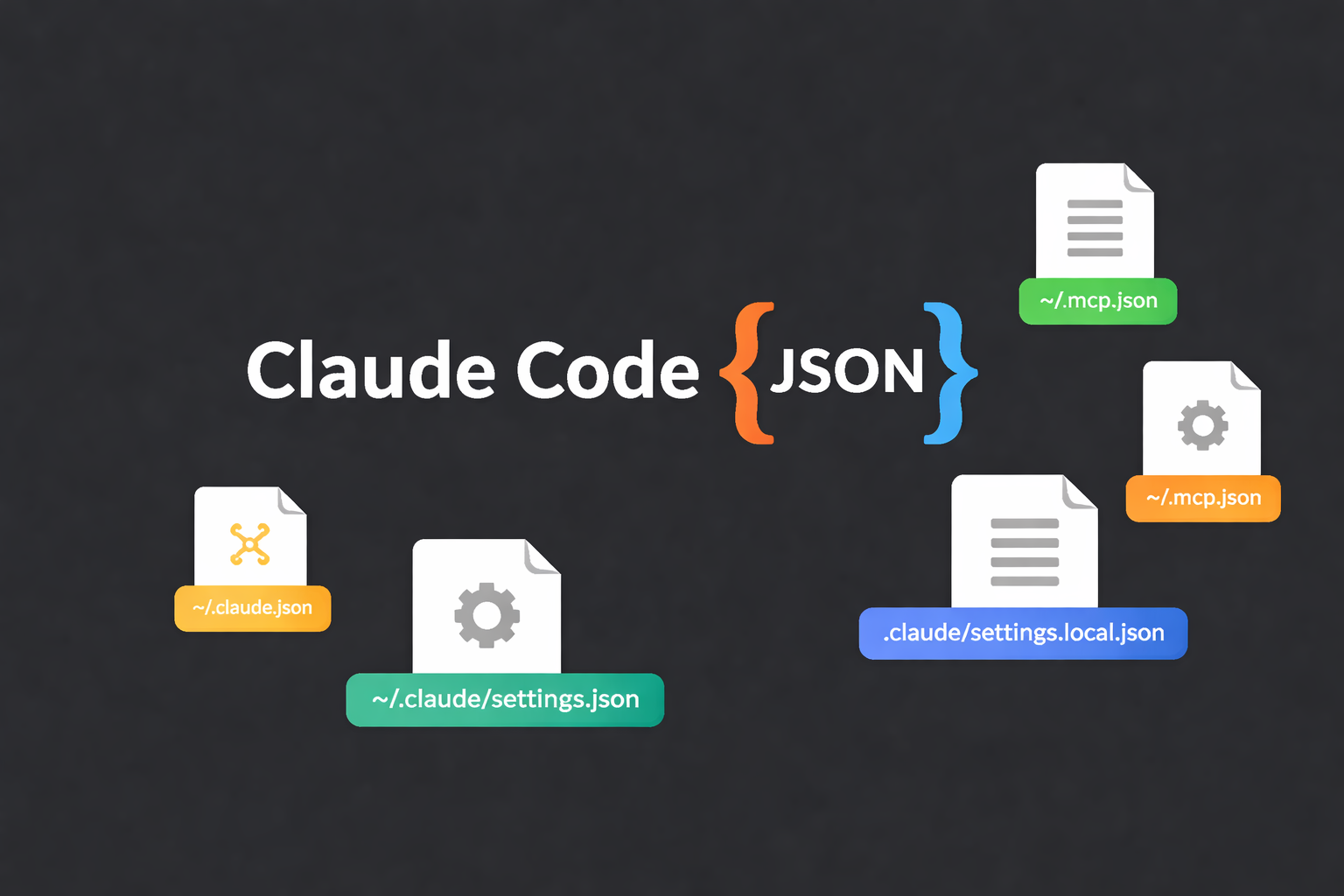
I’ve been exploring Claude Code recently, and one thing that struck me early on is how much configuration there is. There’s ~/.claude.json which ends up being your main config file — it stores your preferences, MCP server configs, per-project state, and various caches. Then there’s ~/.claude/settings.json for user-level permissions and model settings. Projects add more on top — .mcp.json for project MCP servers, .claude/settings.json for shared project settings, .claude/settings.local.json for your personal overrides. These all layer on top of each other with a scope system where more specific settings override broader ones.
Here’s what that looks like on disk for a project called project-x:
1
2
3
4
5
6
7
8
9

~/.claude.json                          ← main config (MCP servers, preferences, caches)
~/.claude/
  └── settings.json                     ← user settings (permissions, model)

~/projects/project-x/
  ├── .mcp.json                         ← project MCP servers (shared with team)
  └── .claude/
        ├── settings.json               ← project settings (shared with team)
        └── settings.local.json         ← your personal overrides (gitignored)
That’s a lot of JSON files. And they all interact — project settings override user settings, local overrides project, and so on.
Individually, each file is fine. But ~/.claude.json in particular can get pretty long once you’ve added a few MCP servers and configured some projects. Lots of nested {} and []. Not hard JSON, just… tedious to read. Especially the MCP server section — each server is an object with command, args, env, all nested inside mcpServers, and when you have five or six of them it’s a lot of scrolling and brace-matching.
So I thought — why not just ask Claude to build a viewer for these files?
Claude Config Viewer — a single HTML file. Drop a config or paste JSON, see what’s inside. Drop two files, see what’s different.
Vibe Coding
I didn’t plan a feature-rich tool. I just wanted two things: something that makes .claude.json easier to scan, and a way to compare two config files side by side.
The whole thing was vibe coded with Claude. I started with those two ideas and we iterated from there. As we talked through use cases like debugging MCP servers and understanding project overrides, more features emerged: MCP servers as individual cards, structural checks for missing fields, model validation against active models, deep search with JSON paths, one-click copy of terminal commands. The usual vibe coding flow — you start with one thing and the conversation takes it further.
What It Does
In view mode, you drop a .claude.json (or paste the JSON directly) and it renders everything with collapsible sections, readable labels, and contextual icons. Instead of seeing mcpServers as a raw key, you see “MCP Servers” with a 🔌 icon. allowedTools becomes “Allowed Tools” with 🔧. userPrompt becomes “User Prompt” with 💬. Small thing, but it makes scanning a lot easier when you’re still learning what all these keys mean.
The MCP server section is where it helps most. Each server gets its own card showing the command, args, and env vars laid out cleanly. If a server is missing the command field — which is required for stdio-based servers — you see a red badge right away instead of having to notice the absence of a key buried three levels deep. The viewer also assembles the full terminal command from command + args so you can copy it in one click. That’s useful when an MCP server isn’t connecting and you want to run it manually to see if it’s the server or the config. To be clear though — the viewer doesn’t run or test anything. It just reads the JSON structure and flags what looks off.
There’s also a check against known active models. If your model string isn’t one of the current ones, you get an amber warning. Not a hard error — it could be a custom or very new model — but it catches the common case of having an old model string you set months ago and forgot to update.
Diff mode is the other main feature. You drop two files (or paste two JSON blocks) and see every key color-coded: green for added, red for removed, orange for changed. You can filter to show only changes, and there’s a swap button to flip the two sides.
Yes, you can always diff two JSON files in the terminal. But if you’ve tried that on two 80-line configs with deeply nested MCP server objects, you know the output isn’t exactly intuitive — you get a wall of + and - lines with no sense of which top-level key changed or what the actual values are.
This turned out to be more useful than I expected. Claude Code automatically creates timestamped backups of ~/.claude.json (like .claude.json.backup.{timestamp}) and retains the five most recent. So if something feels off after you changed your config, you can diff the current file against a recent backup and see exactly what you touched. You can also compare your user config against a project’s .mcp.json to understand what the project adds or overrides. Or if you want to compare your setup with a teammate or a friend’s config — just have them paste their JSON on one side and yours on the other. It’s a lot more intuitive than staring at terminal diff output.
Along the way, a few more things got added — deep search that shows full JSON paths for every match, path copying on hover, paste-to-load instead of needing a file, light/dark theme, keyboard navigation. Nothing groundbreaking, just small things that made the tool more usable as I kept using it on my own configs.
A Few Details
It’s a single HTML file with no dependencies. No build step, no npm, no server. Open it in a browser and it works. Everything runs client-side — nothing gets uploaded anywhere.
The model checking uses a whitelist of active models. If your model isn’t recognized, you get a warning. It needs updating when new models come out, but it’s better than silently showing a green checkmark for a model string that might be outdated.
The MCP validation only checks structure — is the command field there? Is it a url-based server instead? It doesn’t connect to anything or validate credentials. The “Copy” button on each card just copies the assembled command to your clipboard. You run it yourself.
Try It
Live version — drop your config or paste JSON directly.
The repo includes sample files for testing — a sample-claude.json with various MCP server setups (broken ones, URL-based, missing args, outdated model) and a sample-claude.json.backup for trying diff mode.
Single file, MIT licensed. If you’re getting started with Claude Code and want an easier way to see what’s in your config, give it a try.